
Chillz is a TV player for the public IPTV catalogue: more than ten thousand channels, one search box, three filters and a play button. I built it as one repository with three clients, a React web player that runs on Vercel and two Flutter apps, a Windows and Linux desktop player on libVLC and a mobile and Android TV player on media_kit. This post follows one channel from the catalogue to the screen, and explains why the same idea needed three different players.
One channel, from click to picture#
The whole product is this one path, so it comes first. A viewer taps a row in the list. The client records the channel in history, hands the stream address to the player, the player asks the broadcaster for a manifest and then for video segments, and either pictures appear or the player decides why they will not. Press play on the figure below, or pick a step.
Understand the problem#
Functional requirements#
- Show the public catalogue as one list with a logo, a category, a country and a quality label per channel.
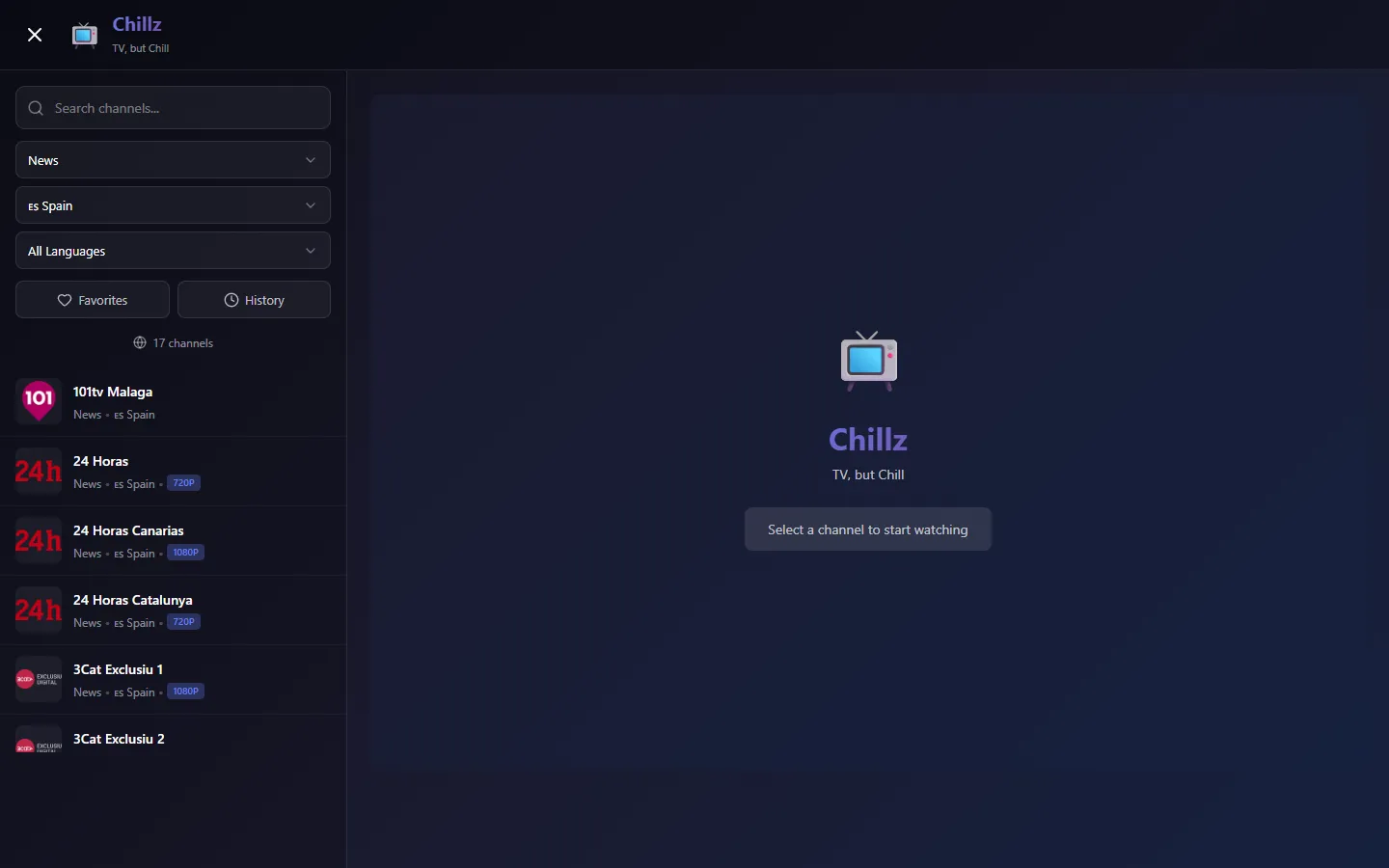
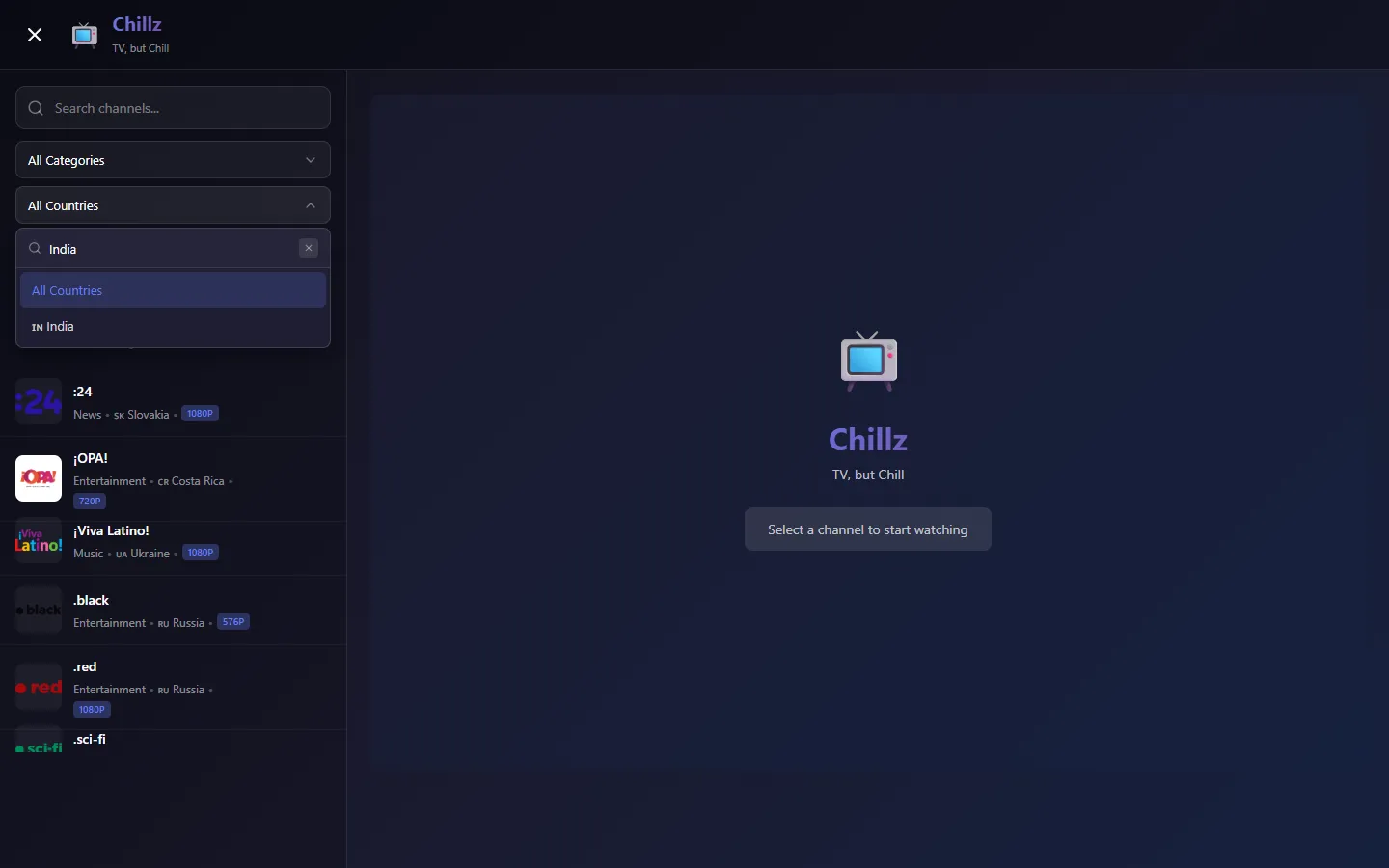
- Let the viewer narrow the list by search text, category, country and language.
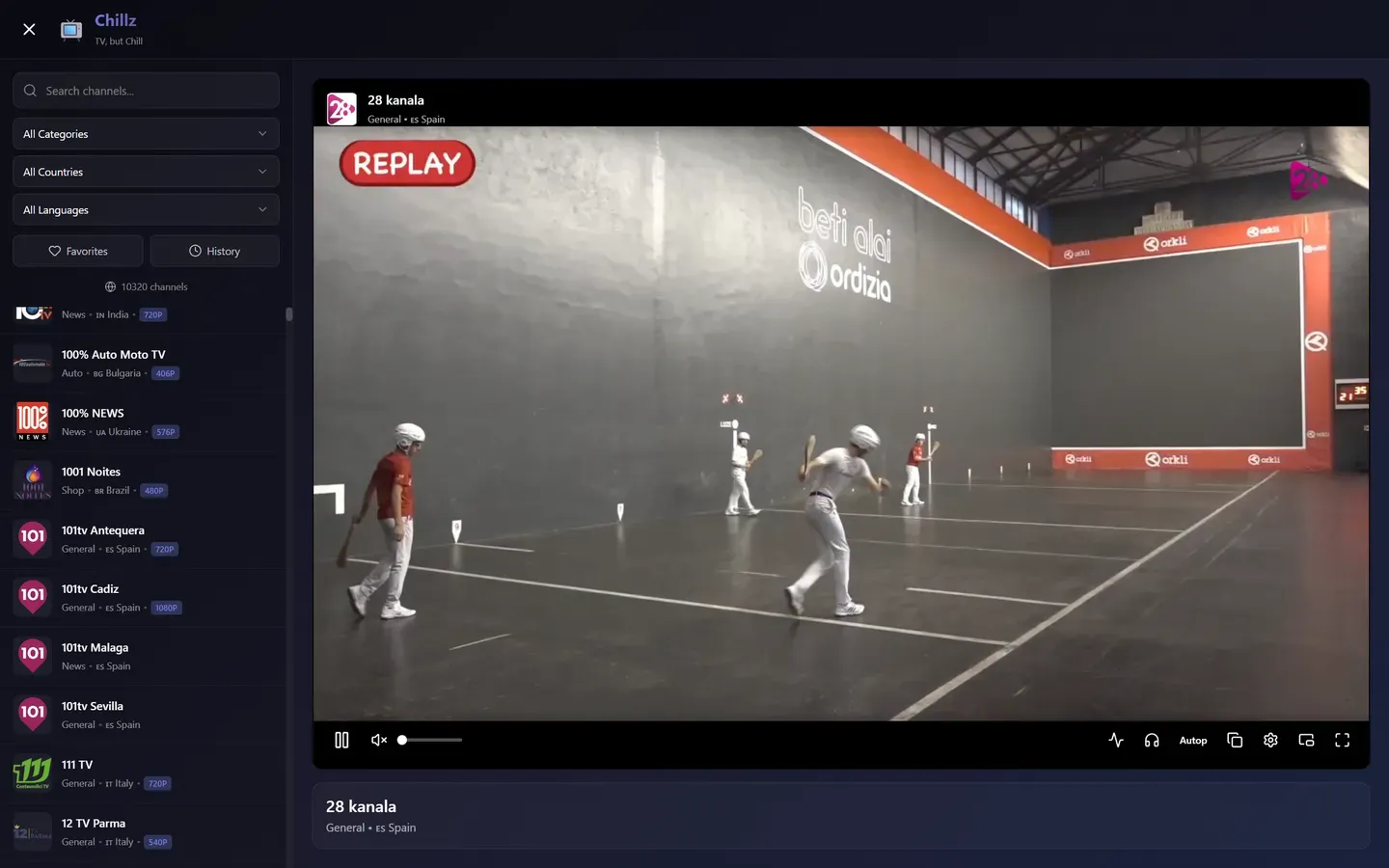
- Play a selected live stream with the usual controls: volume, quality level, audio track, fullscreen and picture in picture.
- Remember favourites, recently watched channels and channels the viewer chose to hide.
- When a stream cannot be played in the browser, say why and offer a way out.
Non-functional requirements#
- Size. The list holds 10,320 channels in the deployed app, and it must scroll without lag.
- No backend. The web client is static. It does not proxy or restream any video, and it stores nothing off the device.
- Cold start. The first load fetches six files; the second load within an hour must not.
- Resilience. A dead stream must never hang the page. Every load has a deadline.
- Responsiveness. On desktop, switching channels or a slow network must not freeze the window.
iptv-org API  -->  client  -->  player  -->  broadcaster stream
(nothing else exists yet: no filters, no storage, no fallback)
The set-up#
Core entities#
- Channel: the merged record the interface works with.
- Stream: an address, with an optional quality label, referrer and user agent.
- Logo, Category, Country, Language: lookup tables joined onto a channel by id or code.
- Preference lists: favourites, history, hidden channels and broken-stream reports, each a list in localStorage.
The interface#
There is no server API of my own. The contract is six GET requests against the iptv-org static API, the browser storage keys the web client writes, and the platform channel the desktop app uses to talk to its C++ plugin.
GET https://iptv-org.github.io/api/channels.json
GET https://iptv-org.github.io/api/streams.json
GET https://iptv-org.github.io/api/logos.json
GET https://iptv-org.github.io/api/categories.json
GET https://iptv-org.github.io/api/countries.json
GET https://iptv-org.github.io/api/languages.json

localStorage   chillz_api_cache, chillz_api_cache_timestamp
               chillz_favorites, chillz_history, chillz_hidden
               chillz_broken, chillz_disclaimer_accepted

MethodChannel  com.chillz/vlc_player
  initialize  play  stop  pause  setVolume  setMute  getAudioTracks
  setAudioTrack  attachVideo  setVideoBounds  hideVideo  showVideo  dispose
EventChannel   com.chillz/vlc_player_events    (state, buffering, error)
The data model#
Two raw shapes come in, and one merged shape goes to the interface. The merge is the only place the six files meet.
Build it one requirement at a time#
1. Show the catalogue#
The first board adds the data path. The client fetches six files, caches them, merges them and sorts by name. Everything downstream reads the merged list.
- On mount the hook checks the cache timestamp. Fresh data goes straight to the merge.
- Otherwise it fetches the six files one after another, updating a progress string for the loading screen.
- The raw data is written to the cache in one go.
- The merge builds lookup maps, drops adult and closed channels and channels without a stream, and sorts.
2. Narrow the list#
Filtering is a chain of plain functions over the merged list. Text input is debounced by 300 ms so a burst of keystrokes causes one recompute, and the result sits behind useMemo so unrelated state changes do not redo it.
- The search box updates raw state on every key press.
- The debounce holds the value for 300 ms of quiet before the filter sees it.
- The merged list and the filter state meet in
filterChannels, which applies hidden, favourites, history, search, category and country in that order. Language is a separate pass over the result. - The count above the list is the length of the result.
3. Play a stream#
A usePlayer hook owns the video element and an HLS.js instance. It exposes state (idle, loading, playing, buffering, error), quality levels, audio tracks and the diagnostics record, and re-initialises whenever the URL changes.
- A selected channel's address becomes the hook's input.
- If the address looks like an m3u8 and HLS.js is supported, an Hls instance is built with the configuration shown later.
- HLS.js loads the manifest and segments from the broadcaster.
- It appends them to the video element. If HLS.js is unsupported but the browser can play HLS natively, the address is set on the element directly.
4. Remember things#
Favourites, history and hidden channels are lists of channel ids in localStorage. Storing ids, not channels, keeps them small and lets a refreshed catalogue replace stale metadata. Selecting a channel writes history; the heart and eye buttons on each row write favourites and hidden.
- A click on a row calls into the storage module with the channel id.
- The module reads the list, edits it and writes it back as JSON.
- The app state is refreshed from storage, and the filter chain shows favourites or history, or hides channels, from the new lists.
5. Play what the browser cannot#
Some streams will never work in a page: they need request headers a browser refuses to send, a codec it lacks, or an origin that blocks cross-site requests. For those, the web client offers an Open in VLC button, and the desktop app embeds VLC itself.
- HLS.js errors are collected and classified.
- A stream marked VLC-only or offline shows Retry, Open in VLC and Report Broken. VLC opens through the
vlc://protocol, or the address is copied to the clipboard with instructions. - The desktop app loads the same catalogue and sends the address to libVLC through the plugin.
- libVLC renders into its own window and pulls the stream from the broadcaster.
Deep dive 1: joining six files without a server#
Look each field up by scanning
For each channel, scan the streams for a match, scan the logos, scan the countries. With ten thousand channels, the cost is the product of the two sizes. It also repeats on every keystroke if the merge lives in the filter.
Index once, merge on load
Build a map per lookup table, then walk the channels once. That is what every client does. Cost is linear in the total size of the files, paid once per load.
Index once, and cache the raw files
Cache the raw responses, not the merged list, for an hour. A returning viewer skips six downloads and pays only for the linear merge. On Flutter the merge runs in a background isolate, because the code comment records that doing 8,000 or more channels on the main thread produced a Not Responding window.
Deep dive 2: ten thousand rows, a dozen in the DOM#
Render every row
Every row is a node, every logo a request. The browser spends its time on layout and image decoding for rows nobody can see, and typing in the search box re-renders all of them.
Paginate or load more
Cuts the node count but breaks the feel of scrolling a channel guide, and makes jumping through the alphabet awkward.
Virtualise with fixed-height rows
Rows are estimated at a fixed 72 px, so the virtualiser can compute positions without measuring. The list keeps a tall empty scroll area and renders only the rows in view plus five rows of overscan. Each row is a memoised component, and logos use native lazy loading with a lettered fallback when an image fails.
The Flutter apps solve the same problem with Flutter's lazy list builders, and add an index to the filter: a map from lower-cased country, category and language names to lists of channel positions. A country plus category filter then intersects two small sets instead of scanning all channels. Text search is always a linear pass over the candidates.
Deep dive 3: a vocabulary for dead streams#
Show every error as a toast
Many HLS errors are non-fatal and recover on their own. Surfacing them all makes a healthy stream look broken, and a broken one look the same as an unsupported one.
One timeout, one message
A single deadline catches the stream that never starts. Chillz keeps that: a 30 second watchdog sets the state to offline if playback has not begun. But it cannot tell a dead host from a codec the browser does not have.
Track how far the stream got
The hook records whether the manifest loaded and how many segments arrived. A manifest that never loads, or fragments that fail with nothing delivered, means offline. A manifest that loaded and segments that arrived, followed by a parse, media or codec error, means the stream is alive and the browser is the problem, so the status becomes VLC-only.
Deep dive 4: video in a native window without freezing the UI#
Call libVLC from the platform thread
The plugin handler runs on the same thread that pumps the window's messages. A blocking stop on a slow network leaves Windows showing Not Responding, and the viewer cannot even close the window.
Spawn a detached thread per call
Unblocks the UI, but operations on one media player can now overlap: a stop and a play for the next channel race, and the order of side effects is undefined. The plugin keeps this only as a fallback when its worker is not running.
One command thread with a task queue
The plugin starts a single worker with a mutex, a queue and a condition variable. Play and stop enqueue a closure and return immediately. The worker runs tasks in order, so a stop always finishes before the next play begins, and every blocking libVLC call happens off the platform thread.
The plugin initialises libVLC with a three second network and live cache, no on-screen display and no statistics. The Dart controller wraps the platform channel and normalises VLC's states (opening, buffering, playing, paused, stopped, ended, error) into the states the interface uses. Keyboard shortcuts mirror VLC: space to pause, M to mute, F for fullscreen, A for audio tracks, R to retry, S to stop and the bracket keys for volume, up to 200 percent.
Deep dive 5: one interface, two engines on the Flutter side#
Branch on the platform inside the UI
Every button handler grows an if-else for each platform, and a new platform means touching the whole interface.
One wrapper class with switches
Hides the branching in one file, but the file grows into a mix of two unrelated engines and their state.
An abstract engine and a factory
The mobile and TV app defines an abstract PlayerEngine with state, volume, audio tracks, play, stop, pause and a way to build the video widget, plus two Windows-only hooks for window bounds. A factory returns the Windows libVLC implementation or the media_kit implementation, and the interface only ever sees the abstraction.
The mobile engine also handles reconnection itself: up to five attempts spaced three seconds apart, and a watchdog that raises an error if buffering lasts more than 30 seconds. Those numbers are constants in the file, not values tuned in field testing.
The final design#
Here is the whole web client with every part from the earlier steps in place. The numbered walk below follows one channel through it, then covers what a rebuild of the list involves.
- On load, the merge reads the cache or the six files and produces one sorted list.
- Filter state and the debounced search text produce the visible subset.
- The virtual list renders the rows near the scroll position, reading favourites from storage for the star marks.
- A click selects a channel, writes history and hands the address to
usePlayer. - HLS.js loads the stream and the video plays; a failure becomes offline or VLC-only, and the VLC button appears.
A catalogue rebuild is the same path from step 1. When the cache is older than an hour, the next load fetches fresh files, and channels that vanished from the source vanish from the list, while saved ids that no longer match any channel simply stop appearing.
What I would change#
- Keep every stream, not the first. The join should keep a list of streams per channel and let the player fall through to the next on failure. The data is already there.
- Derive language properly. Reading language from the country mislabels channels in multilingual countries. A channel-level field or the feeds file would fix it.
- Make the Flutter index fail closed. If a key is missing from the country index, the filter is skipped instead of returning nothing, so an unknown country shows everything.
- Share more than the design. The merge and filter logic exists three times, once in TypeScript and twice in Dart. One shared implementation, or a small precomputed file, would remove the drift.
- Bring the diagnosis to the apps. Only the browser classifies failures today; the Flutter players surface the player's own error.
- Add tests. The repository has only the template widget tests. The merge and the failure classification are exactly the logic worth pinning down.
Test yourself#
Why does the web client cache the six raw files and not the merged channel list?
- The merged list is too large for localStorage.
- The six downloads are the costly step, and the merge is a cheap linear pass that can be redone on every load.
- The merge needs network access.
- HLS.js requires raw files.
What makes a fixed 72 px row height useful in the virtualised list?
- It lets rows be cached on disk.
- It makes the list scroll faster than native scrolling.
- The virtualiser can compute each row's position without measuring it.
- It prevents images from loading.
A stream's manifest loaded and segments arrived, then a media error occurred. What status does the player assign?
- VLC-only, because the stream is alive but the browser cannot decode it.
- Offline, because any error means the stream is dead.
- Normal, because the manifest loaded.
- Hidden, and it is removed from the catalogue.
Why does the desktop plugin run libVLC calls on a worker thread with a queue?
- libVLC only works off the main thread on Windows.
- To render video into a texture.
- To reduce the download size of the app.
- Blocking calls would freeze the platform thread, and a queue keeps stop and play in order.
Which statement about the language filter is true?
- It reads each channel's broadcast language from the stream file.
- It uses the languages of the channel's country, so it can mislabel a channel.
- It is disabled when a country is selected.
- It filters on the stream's user agent.
Why does the audio-track dialog on the desktop app call hideVideo before it opens?
- To save memory.
- To stop the stream.
- The video is a native child window above Flutter's canvas, so the dialog would otherwise be hidden behind it.
- To change the audio track faster.