
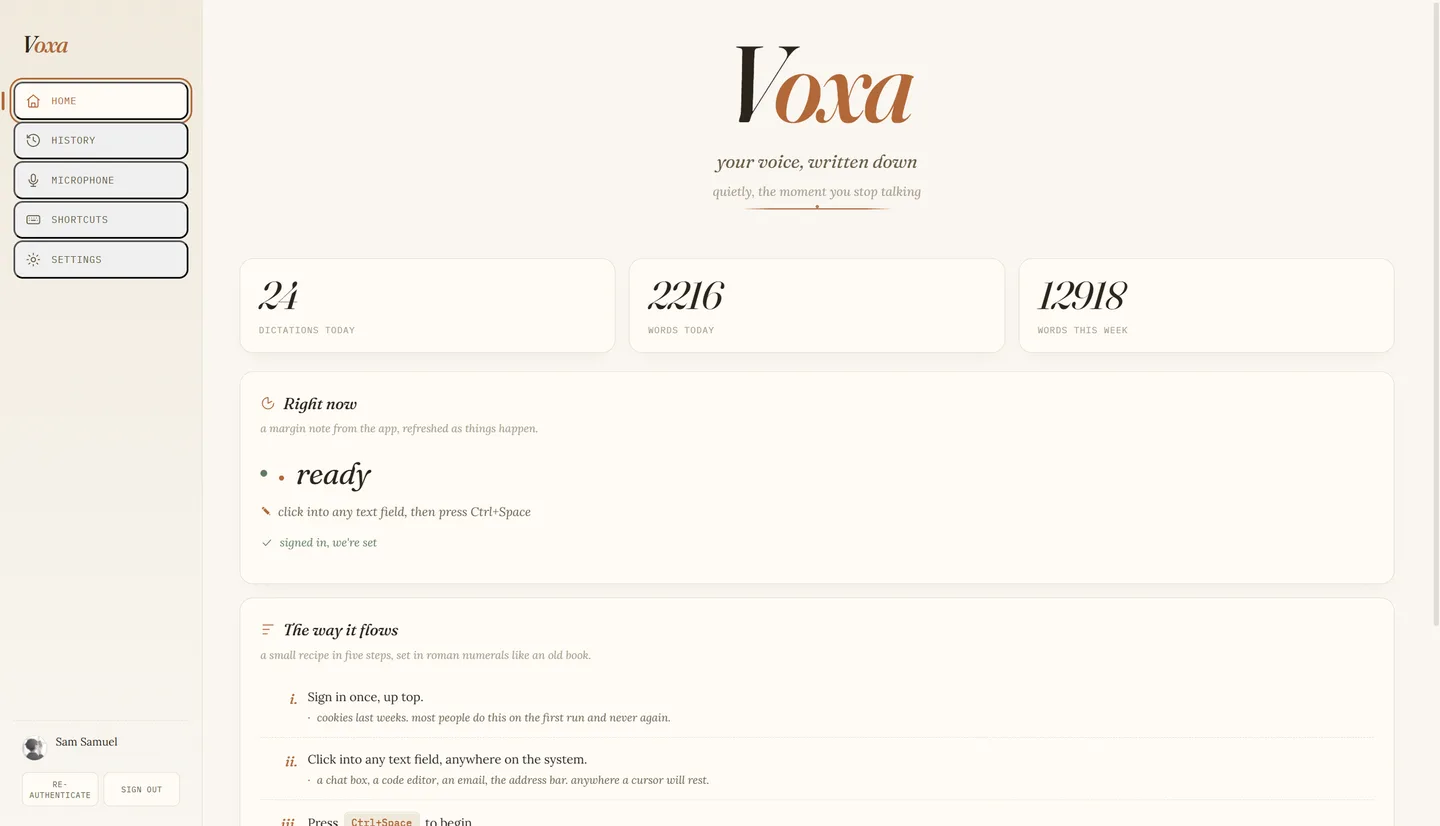
Voxa is the dictation tool I use every day: press a key or tap a mic, speak, and the text lands in whatever field you were typing into. It runs as an Electron app on the desktop and as a Kotlin keyboard on Android. Neither client talks to a server I own. Both sign in to chatgpt.com the way a browser does and call the web transcription endpoint behind ChatGPT's own dictation button, using my own session. This post walks through the whole design, one requirement at a time, including the parts that were harder than the transcription call: not stealing focus, not losing audio, and what happens when the endpoint misbehaves.
Understand the problem#
Dictation sounds like one feature, but it is a chain of small ones that each fail differently. I wrote the requirements down before the code and they have barely changed.
Functional requirements#
- Start and stop recording from anywhere on the system with a hotkey, and from a mic button on Android.
- Sign in once and stay signed in, without Voxa ever seeing a password.
- Turn the recorded audio into text.
- Put the text into whatever field had focus when I started, on both platforms.
- Keep a history of dictations with replayable audio, and let me retry a failed one.
Non-functional requirements#
- Focus safety. Starting a dictation must never move focus away from the target app.
- No lost takes. A crash, a closed lid or a failed request must not lose recorded speech.
- Zero infrastructure. No server to host, no key to rotate, no bill.
- Readable failures. Each failure maps to a short message that says what to do.
- Privacy on demand. One setting removes successful dictations and their audio when the app quits.
- Core path never blocked by bookkeeping. If history cannot be written, dictation still works.
Requirements 1-5  (functional)
Constraints  NFR 1-6  (focus, no lost takes, no infra, ...)
Nothing built yet. One external dependency: chatgpt.com
The set-up#
Core entities#
- Dictation. One recording and its outcome. Has an id, a start time, a source app label, a status and, once finished, a transcript and a word count.
- Audio file.
<id>.webmunder the app's user data directory, written while recording. - Session. The saved cookie list, a device id and a per-launch session id. The cookies are the long-lived credential.
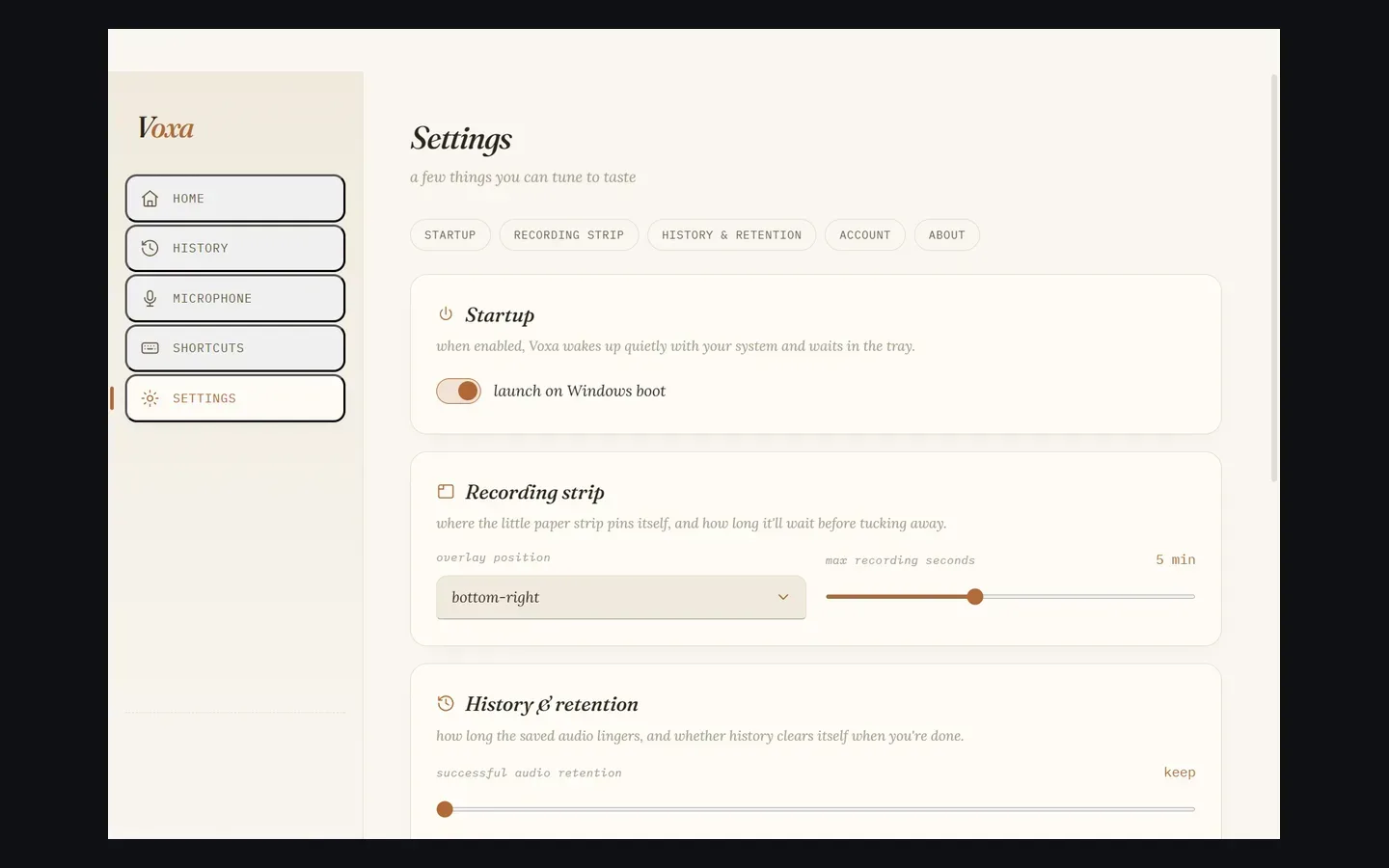
- Preference. Hotkeys, strip position, maximum recording length, retention limits and privacy mode.
The interface#
There is no public API to design. The contract is the two chatgpt.com calls, plus the IPC channels between the strip, the Hub window and the main process.
GET  https://chatgpt.com/api/auth/session        Cookie: <session-cookies>   -> { accessToken, user, account }
POST https://chatgpt.com/backend-api/transcribe  Authorization: Bearer <access-token>
                                                 multipart: file=recording.webm, model=whisper-1  -> { text }

IPC (strip -> main)     recording-start-meta {id, startedAt}
                        recording-chunk      {id, chunk}      every 250 ms
                        finalize-recording   {id, durationMs, mimeType}
IPC (hub -> main)       history-list, history-retry, history-copy, history-reinsert,
                        login-chatgpt, sign-out, save-preferences
The data model#
.webm files, and the account cache holds identity for the profile screen but never tokens.overlay.html, chatgptAuth.js, textInserter.js and configStore.js.Build it one requirement at a time#
Requirement 1: record from anywhere#
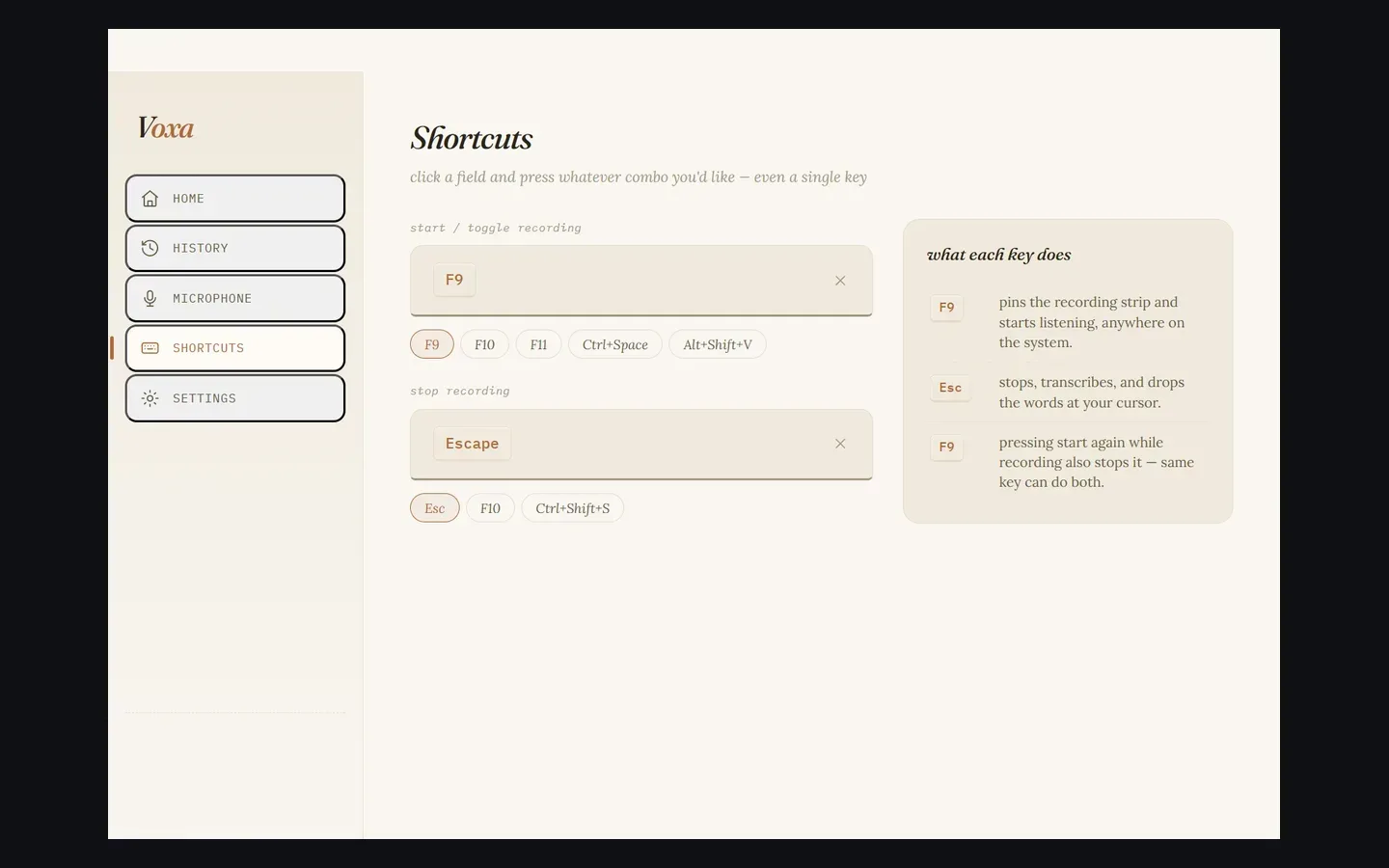
The hotkey is registered with Electron's globalShortcut. The start key toggles: pressing it again while recording stops. Escape is registered as a separate stop key whenever it differs from the start key. The recording itself happens in a small hidden-until-needed window, the strip, because only a renderer can call getUserMedia.
- The hotkey calls
startRecording(), which checks microphone access (macOS only), creates a pending history row and shows the strip. - The strip asks for a mono microphone stream with echo cancellation and noise suppression off and auto gain on, then starts
MediaRecorderonaudio/webm;codecs=opus. - Every 250 ms a chunk goes over IPC to main, which appends it to
<id>.webm.
Requirement 2: sign in without a password#
- A
BrowserWindowopenshttps://chatgpt.com/auth/loginin its own persistent partition withnodeIntegrationoff andcontextIsolationon. - After each page load, once the URL has left
/auth/, Voxa polls that partition's cookies and saves them only when a cookie containingsession-tokenexists. The window then closes itself.
Requirement 3: turn audio into text#
- On stop, main closes the file, patches the WebM duration into its header and reads it back.
- It calls
GET /api/auth/sessionwith the cookies. A 401 or 403 becomes "Session expired. Please login to ChatGPT again." - It posts the file with
model=whisper-1and readstextfrom the JSON reply.
Requirement 4: put the text where the cursor was#
- The inserter writes the transcript to the clipboard and reads it back to confirm.
- It waits 200 ms for the foreground window to settle.
- It sends the paste keystroke for the platform and returns what happened, never throwing.
Requirement 5: never lose a dictation#
- A pending row exists from the moment recording starts, and the audio streams in beside it. A crash leaves a pending row, which the next launch marks failed.
- The retention worker deletes failed audio after 7 days and evicts the oldest successful audio when the folder passes the cap.
- Retry reads the saved file, runs the same transcription and updates the same row.
Requirement 1 again, on Android#
- Tapping the keyboard's toolbar mic reaches
LatinIME.onEvent, which routesVOICE_INPUTtoVoxaVoiceController.toggle()instead of handing off to the system voice IME. - The controller starts
AudioRecorder, aMediaRecorderwriting Opus in WebM at 16 kHz mono. - A second tap stops, and the controller calls
TranscriptionApi.transcribeAudio(). - The API makes the session call and the upload with OkHttp, 30 s connect and 60 s read timeouts.
- The text goes straight into the field with
commitText().
Deep dive: the borrowed session#
Capture as soon as the URL leaves the login page
Simple and wrong. The logged-out chatgpt.com home page also lives outside /auth/. An early version captured on the URL alone, saved an empty session and closed the window, which cost two or three login retries.
Ask the user to paste a token
Works, and keeps Voxa out of the login. It is also a chore on every expiry, and a copied bearer token dies in minutes.
Poll the cookie jar for the session cookie
After each navigation outside /auth/, poll every 500 ms, up to 20 times, for a cookie whose name contains session-token. Save only then. The cookie is long-lived and the access token is derived from it per dictation, so nothing needs refreshing.
On Android, AuthScreen.kt does the same inside a WebView, polling CookieManager every 500 ms up to 30 times for __Secure-next-auth.session-token. It stores the bare token and the full cookie header in private SharedPreferences. The full header is preferred at request time because it also carries the Cloudflare clearance cookie. On desktop, cookies live in a JSON file in the user data directory.
The request#
const formData = new FormData();
formData.append("file", new Blob([buf], { type: mimeType }), `recording.${ext}`);
formData.append("model", "whisper-1");

const response = await net.fetch("https://chatgpt.com/backend-api/transcribe", {
  method: "POST",
  headers: {
    Authorization: `Bearer ${accessToken}`,   // <access-token>
    Cookie: "<session-cookies>",
    "User-Agent": "Mozilla/5.0 ... Chrome/126 ...",
    "oai-device-id": "<device-uuid>",
    "oai-session-id": "<per-launch-uuid>",
    "oai-client-build-number": "<web-build>",
    "x-openai-target-path": "/backend-api/transcribe"
  },
  body: formData
});
The request goes through Electron's net.fetch, which uses Chromium's network stack. A source comment records the reason: its TLS fingerprint passes the checks in front of the site that a plain Node client trips. The reply is parsed leniently, because nothing documents it: text, else transcript, else message, else an empty string.
Deep dive: visible, on top, and never focused#
Show a normal window
show() activates the window. On macOS it activates the owning app, which raises all of the app's windows, Hub included, in front of the app you were dictating into. The paste then lands in Voxa.
Show it, then hand focus back
Race-prone: there is a visible flash where the target app has lost focus, and some apps drop their selection when they lose it.
Never take focus in the first place
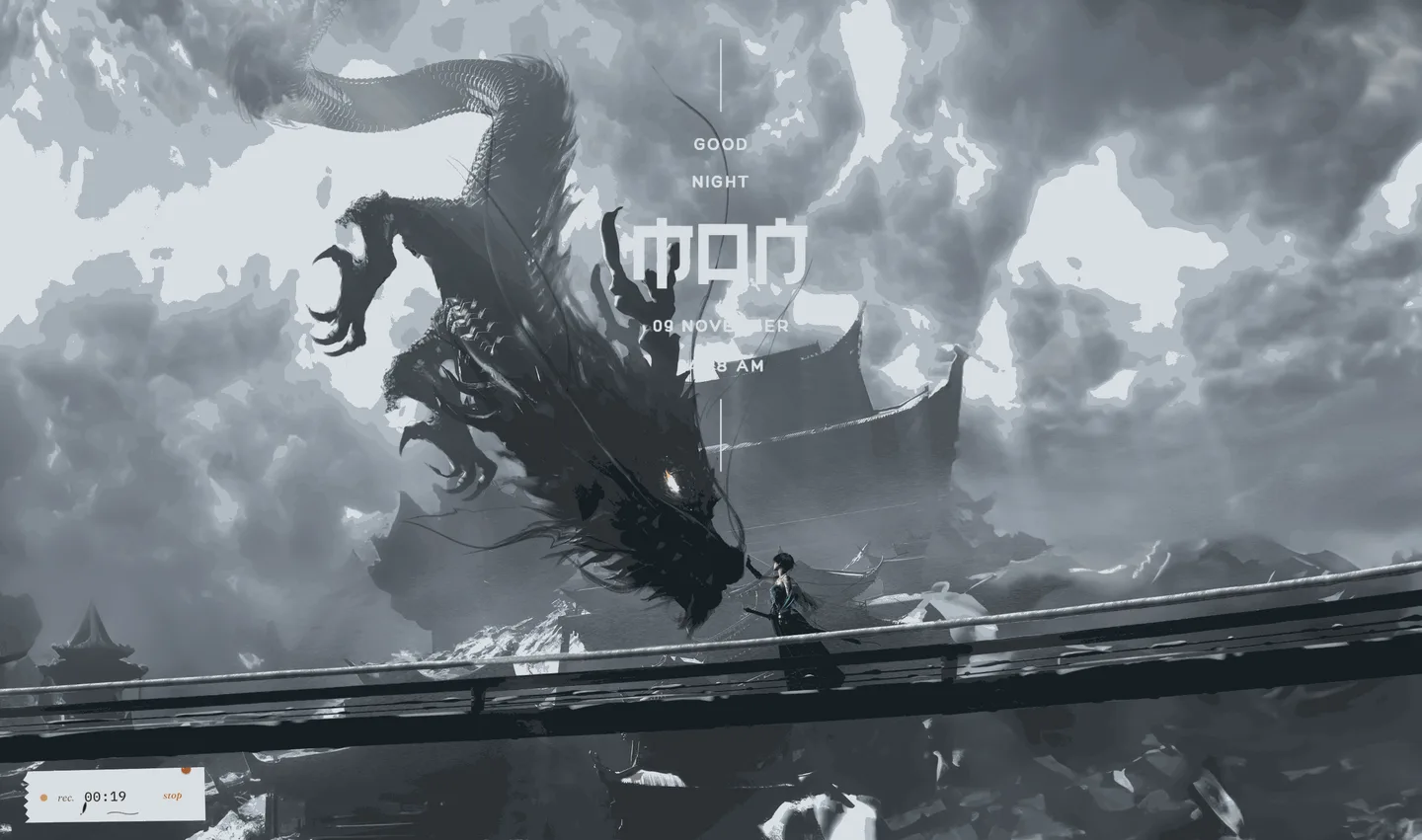
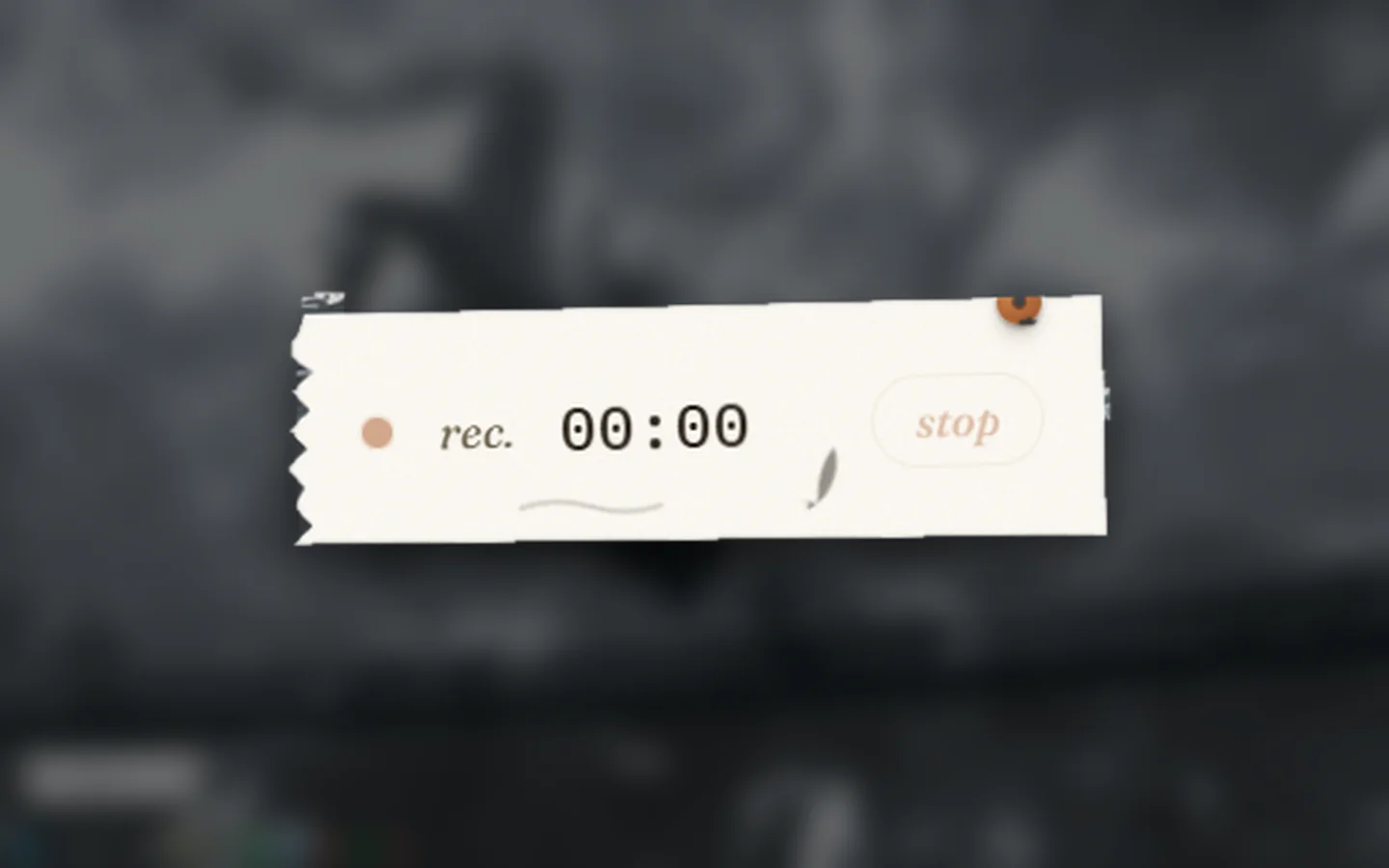
The strip is created with focusable: false, alwaysOnTop, skipTaskbar and a transparent background, and shown with showInactive() at the screen-saver level. The target app stays frontmost the entire time.
Deep dive: two ways to insert text#
Simulate typing, character by character
Slow for long text, wrong with non-US layouts and input methods, and it fights with autocorrect in the target app.
Use accessibility APIs to set the field value
Precise where it works, and unavailable in many fields, including most Electron and browser content.
Clipboard plus one paste keystroke
Works everywhere a paste works. The clipboard also doubles as the fallback: if the keystroke fails, the transcript is still on it.
The inserter writes the text, reads it back to confirm it landed, waits 200 ms, then sends the keystroke. Windows runs a hidden PowerShell call to SendKeys with ^v. macOS posts Cmd+V as a raw CGEvent through JXA, which needs only Accessibility permission and no second Automation prompt. Linux gets the clipboard and a manual paste. The function never throws; it returns pasted and clipboard separately, so the app can say "copied, press Ctrl+V" instead of failing silently.
On Android an input method already sits inside the focused field, so none of this applies. commitText(text, text.length) on the InputConnection inserts at the caret. The voice-only keyboard, VoxaInputMethod, adds pause and resume, a cancel and a send button and a live waveform polled every 50 ms from the recorder's amplitude. The floating overlay button is different: it has no input connection, so it copies the transcript to the clipboard and broadcasts it.
Deep dive: audio that survives#
Hold the blob in memory until stop
A crash or a failed upload loses everything, and a long take sits in renderer memory.
Write the whole file at stop
Better, but anything that dies before stop still loses the take.
Stream chunks to disk during recording
The file exists from the first 250 ms. A crash leaves a pending row and a partial file. The next launch marks the row failed and keeps whatever audio reached disk, ready for retry.
Streaming created its own bug, found in v0.2.4. The overlay's ondataavailable handler was async: a later chunk's arrayBuffer() could resolve first and be written before the header chunk. The file no longer began with the WebM signature 1A 45 DF A3, and the transcription endpoint answered 500 on that file every time. The fix serializes reads and sends through one promise chain, and the stop path drains the chain before telling main to finalize.
Finalize then closes the stream and patches the WebM Duration element, because MediaRecorder leaves it empty and the endpoint wants an accurate length. Failures are bucketed so the History view can say something useful.
Deep dive: long recordings#
Send it and hope
A recorded session of 48.43 minutes was a 44.77 MB file, and the endpoint failed on it with a 500 from its speech service.
Cap the recording length
Voxa does this: 300 s by default, adjustable. It stops the take but also cuts off a genuinely long dictation.
Trim silence before upload
A voice-activity pass cut the same session to 2.34 minutes and 2.44 MB, and it transcribed in under four seconds. This is specified and prototyped in scripts/trim-silence.py and the feature note in the repo; it is not wired into the app yet.
The final design#
One request, one rebuild#
- The strip appends 250 ms chunks to
<id>.webmwhile the user speaks. - On stop it drains its chunk chain and calls
finalize-recording; main closes the file and patches the duration. - Main loads the saved cookies and calls
/api/auth/sessionfor a token. - Main uploads the file to
/backend-api/transcribeand reads the text. - Main finalizes the history row: ok with a word count, empty for no speech, or failed with an error kind.
- The inserter writes the clipboard, waits 200 ms and pastes. Android does hops 3 and 4 in Kotlin and ends in
commitText().
Rebuilding from scratch needs only the cookie file and the two URLs. Everything else, recorder, history and retry, is replaceable.
The trade-offs, stated plainly#
What this buys: no server to host or secure, no key to rotate, no bill, and transcription quality that is whatever ChatGPT's dictation gives the account.
What it costs:
- It is not a supported API.
/backend-api/transcribeis an internal route of the ChatGPT web app. No contract, version or rate limit is published for it, and it can change or be blocked at any time. The request headers, such as the client build number, are exactly the details that go stale. - It runs on one person's session. The credential is a session cookie in a plain file, and each install acts as one account with that account's limits.
- It is not an integration the service offers to third-party clients. That is why I use it only on my own account and do not distribute Voxa.
- The fragility is in two codebases. A change to the endpoint has to be fixed in JavaScript and in Kotlin.
The design is built so these costs stay contained: transcription is a function from audio to a string, and everything else works whichever service sits behind it.
What I'd change#
- Move to an official speech-to-text API behind a thin relay I own. That removes the session dependency, the cookie at rest and the fingerprint workaround, and puts request building in one place instead of two.
- Wire in silence trimming. The prototype proves the gain; the app still sends raw captures.
- Share the protocol. The two HTTP clients should come from one spec, with a test that both build the same request.
- Use the OS credential store for the session instead of a JSON file and shared preferences.
- Delete dead guards. The history store is now pure JSON, so the native-module guard in
main.jsand the WAV-only silence check no longer earn their place.
Test yourself#
Why does the login capture poll for a cookie instead of closing the window as soon as the URL leaves /auth/?
- Polling is faster than waiting for navigation.
- The logged-out home page also lives outside
/auth/, so the URL alone can save an empty session. - Cookies only exist after 10 seconds.
- Electron cannot read cookies without polling.
What does showInactive() protect on macOS?
- It makes the strip render faster.
- It hides the window from screenshots.
- It shows the strip without activating Voxa, so the target app stays frontmost and receives the paste.
- It lets the strip receive keyboard input.
show() activates the owning app and raises all its windows, which would pull focus away from the app being dictated into.The overlay once produced WebM files that the endpoint rejected every time. What was the cause?
- Async chunk handlers could write a later chunk before the header chunk, so the file did not start with the WebM signature.
- The sample rate was too high.
- The cookies had expired.
- The file was larger than 25 MB.
An empty transcript comes back. What does Voxa do?
- Marks the dictation failed and offers retry.
- Retries automatically three times.
- Signs the user out.
- Stores it as an empty row with a no-speech message, no retry, and keeps it out of the failed banner.
Why is desktop insertion built on clipboard plus a keystroke while Android uses commitText()?
- Android has no clipboard.
- A desktop app is an outside observer with no API into another window's field, while an input method already sits inside the focused field.
- Clipboard paste is faster than commitText.
- macOS forbids commitText.
What is the main reason Voxa remains a personal tool?
- The Electron app is too large to distribute.
- Transcription quality is poor.
- It depends on an unsupported internal endpoint and on one person's ChatGPT session, kept in a plain file.
- It needs an API key per user.